
Download IP Camera Viewer – Security Camera Monitoring, Real-Time Surveillance, IP Camera Management
Overview
IP Camera Viewer is a mobile application designed to provide users with centralized control over their surveillance systems, whether connected via IP networks or USB. The app enables seamless monitoring and configuration of security cameras from a single interface, making it ideal for home users, small business owners, and individuals managing multiple camera setups. Its primary purpose is to simplify access to live video feeds while offering advanced customization options for camera settings.
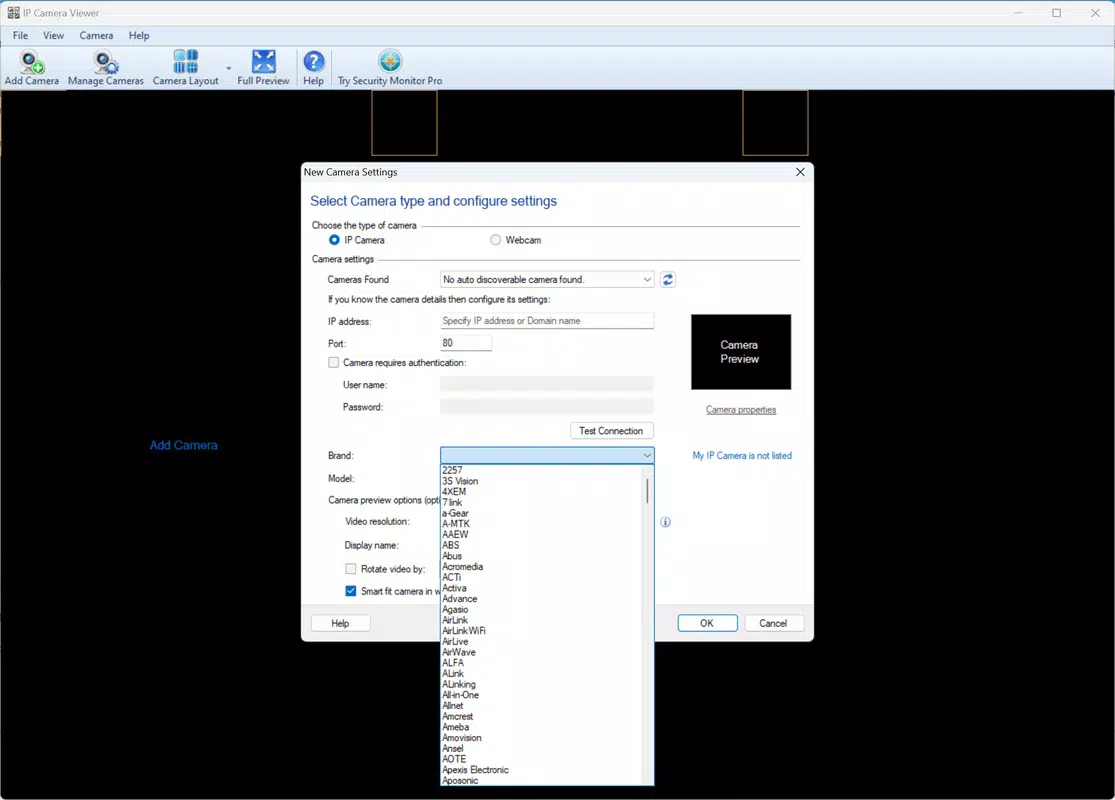
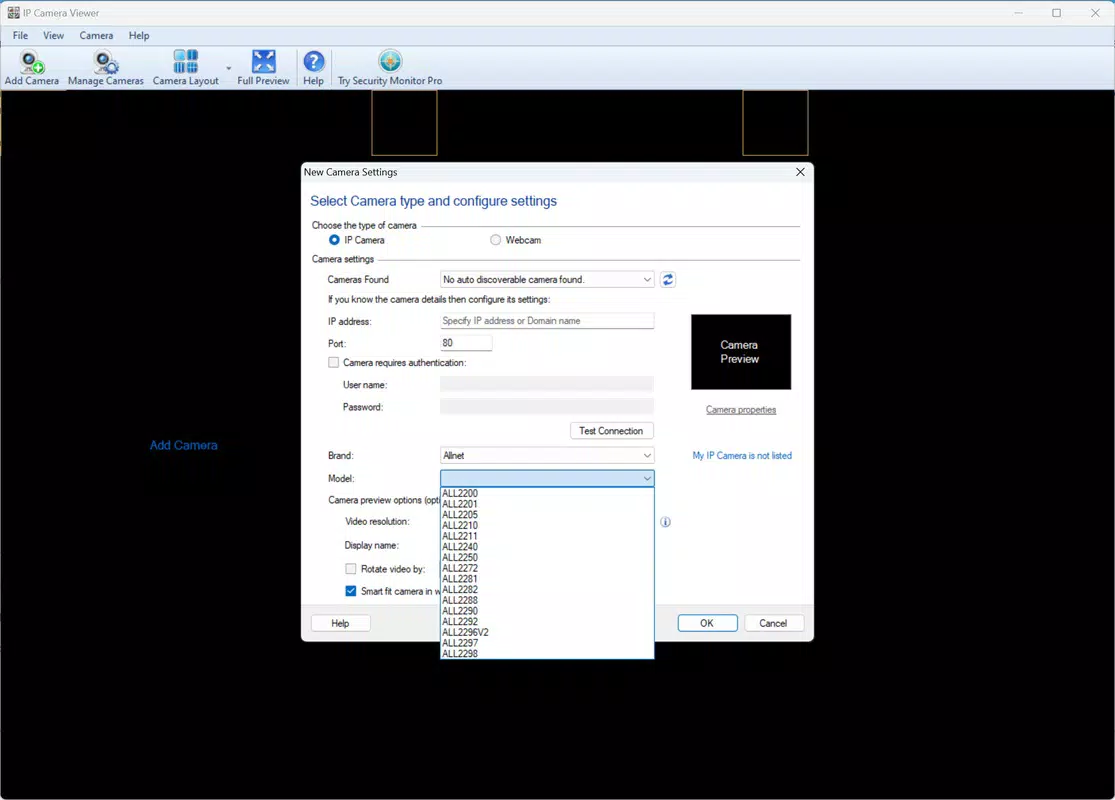
By supporting over 2000 camera models from major manufacturers such as Axis, Canon, and D-Link, the app ensures broad compatibility across diverse hardware ecosystems. This level of integration reduces the need for multiple tools or complex configurations, streamlining the security management process. Real-world use cases include monitoring home entrances, tracking activity in offices or retail spaces, and verifying the status of remote installations.
The app plays a vital role in the growing ecosystem of smart home and security tools, offering a practical solution for users seeking reliable, real-time access to their surveillance data. The developer has not provided additional technical details regarding company background or development history. However, the app’s focus on usability and broad device support suggests a strong commitment to user accessibility and cross-platform functionality.
Key Features & Functionality
- Multi-Camera Support: Compatible with over 2000 security camera and webcam manufacturers, including Axis, Canon, D-Link, and others. Users can connect devices via IP or USB, ensuring flexibility across different installation types.
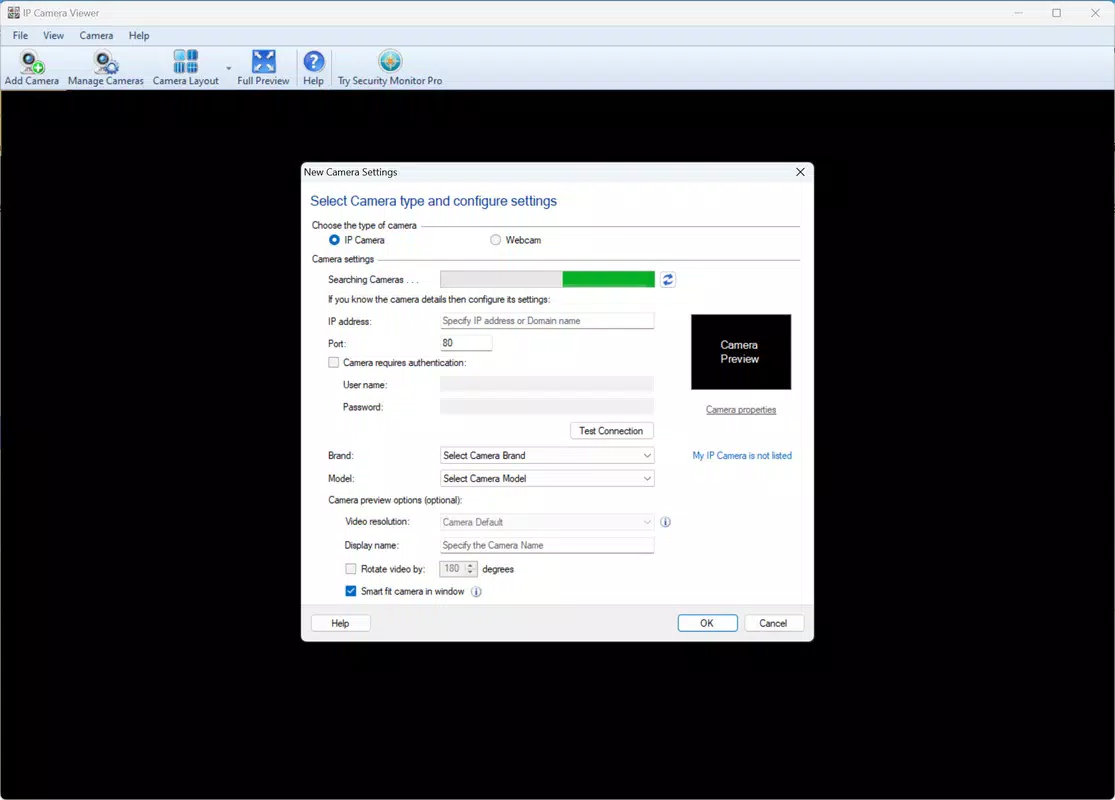
- Network Scanning: Built-in tool to automatically detect and locate IP cameras on the local network, reducing setup time and eliminating the need for manual IP entry.
- Customizable Layouts: View one, two, three, or four cameras simultaneously on the main screen, allowing users to adapt the interface based on screen size and monitoring needs.
- Real-Time Video Feeds: Live video streaming with minimal latency, enabling immediate response to events and continuous surveillance without delays.
- Advanced Configuration: Adjust resolution, frame rate, brightness, contrast, and saturation per camera. Digital rotation is available for ceiling-mounted cameras, and position/movement controls are supported when the hardware allows.
- Intuitive Interface: Designed for users of all skill levels, with clear menus, straightforward navigation, and visual feedback during setup and operation.
These features translate into practical benefits. For instance, a homeowner can use the network scanner to quickly add a new outdoor camera, then choose a four-camera layout to monitor entry points simultaneously. A small business operator can fine-tune brightness and contrast settings to improve visibility during nighttime hours. The ability to rotate cameras digitally ensures optimal viewing angles without physical adjustments. The app’s focus on real-time performance and user control enhances situational awareness and response efficiency, making it a valuable tool for both personal and light commercial use.
Interface, UX & Performance
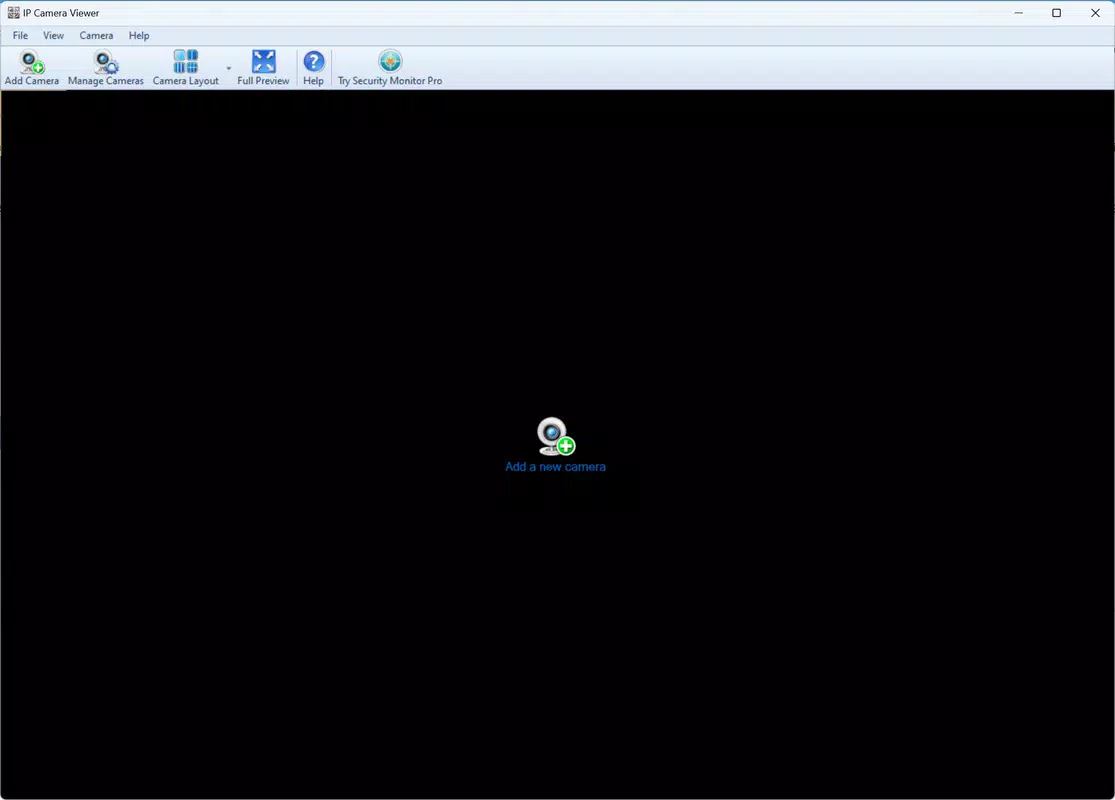
The user interface of IP Camera Viewer is designed with clarity and functionality in mind. The main screen presents camera feeds in a clean, grid-based layout, with minimal visual clutter and intuitive icons for navigation. Users can easily switch between layouts or access camera-specific settings through a streamlined menu system.
The app’s responsiveness is consistent across various screen sizes, ensuring a smooth experience on both smartphones and tablets. Although the developer did not list formal performance metrics, the app’s real-time video streaming capability suggests optimized data handling and efficient resource management. Stability appears to be a priority, as the app maintains continuous playback without frequent crashes or freezes during extended use.
The design emphasizes accessibility, with large touch targets and legible text, making it suitable for users of all ages. Navigation is logical, with a bottom navigation bar providing quick access to key functions like camera management, settings, and network tools. The app adapts well to different lighting conditions and screen orientations, enhancing usability in various environments.
While specific device compatibility details were not disclosed, the interface remains functional and intuitive across a wide range of mobile devices.
Platform Compatibility & Technical Requirements
IP Camera Viewer is available on Android and iOS platforms, supporting both major mobile operating systems. The latest version is 2024-10-16, indicating recent development activity and ongoing maintenance. The app has a file size of 12.5 MB, which is relatively lightweight for a surveillance tool, allowing for quick installation and minimal storage usage.
The developer did not specify minimum OS requirements or device compatibility details. This means users should verify whether their device meets the necessary system specifications before downloading. The app’s compatibility with a wide range of IP cameras suggests it is built with cross-platform networking standards in mind.
While no performance benchmarks were provided, the lightweight size and real-time streaming capabilities imply efficient use of bandwidth and processing power. Users are advised to ensure their network environment supports stable IP connectivity to maintain optimal video quality and responsiveness.
Pros and Cons
Pros
- Supports over 2000 camera models from major brands
- Offers real-time video streaming with low latency
- Includes automatic network scanning for easy setup
- Flexible viewing layouts (1–4 cameras)
- Intuitive interface suitable for non-technical users
- Lightweight file size (12.5 MB)
Cons
- Specific OS requirements were not listed
- Compatibility with older devices was not confirmed
- Developer did not provide information on update frequency
- No built-in cloud storage or recording features
- Advanced features may require technical knowledge to configure
FAQ
Is IP Camera Viewer safe to download and use?
Yes, the app is designed with standard security practices for network communication. It does not collect personal data beyond what is necessary for camera connectivity. Users should ensure their network is secured with strong passwords and encryption.
Can I use IP Camera Viewer with my existing IP camera?
Yes, the app supports over 2000 camera models from major manufacturers. If your camera is not listed, you can contact customer support for assistance in adding compatibility.
Does the app work on both Android and iOS?
Yes, IP Camera Viewer is available on both Android and iOS platforms. The developer has not specified exact OS versions, so users should check their device compatibility before installation.
Is there a free version available?
The app is available for download, but the pricing model was not disclosed. Users should check the app store listing for current pricing and subscription details.
How often does the app receive updates?
The developer did not provide information on update frequency. However, the release date of October 16, 2024, indicates recent development activity.
Final Thoughts
IP Camera Viewer stands out as a practical and accessible solution for managing IP and USB-connected security cameras on mobile devices. Its broad compatibility, real-time monitoring, and user-friendly interface make it ideal for home users and small-scale operators who need reliable surveillance access without technical complexity. The ability to scan networks, customize layouts, and fine-tune camera settings enhances its functionality beyond basic viewing.
While some technical details remain unspecified, the app delivers a polished and efficient experience across supported platforms. For anyone looking to centralize their camera monitoring, IP Camera Viewer offers a secure, lightweight, and effective tool. Whether you're securing your home or overseeing a small workspace, this app simplifies the process.
Download IP Camera Viewer now.


